Quick Start
Get your first MCP-ready application running in minutes.
Go to your Project and click the MCP icon in the sidebar.
Workflow
Create Application in Studio
Build your internal application with data models, APIs, and business logic. This is your foundation.
Enable MCP
Toggle the MCP option in your application settings. This unlocks MCP settings without exposing anything yet.
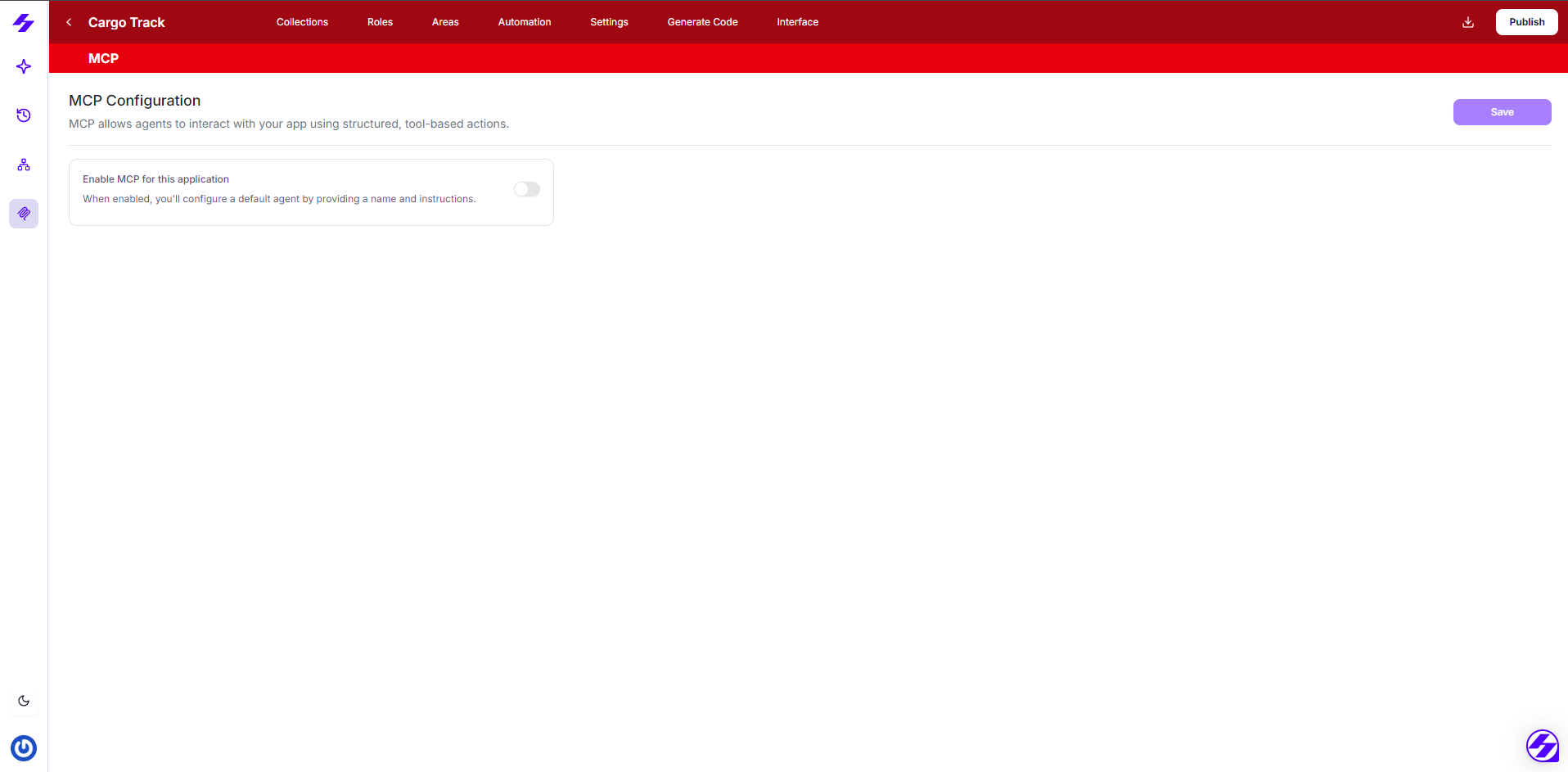
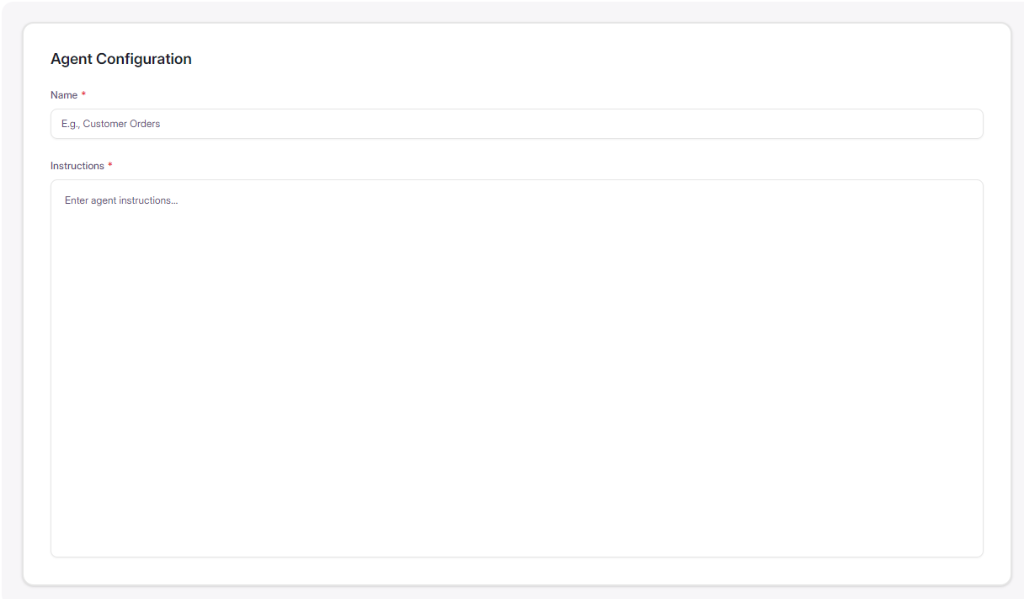
Configure Your Agent
Give your agent a name and instructions describing what it does and how AI should use it.
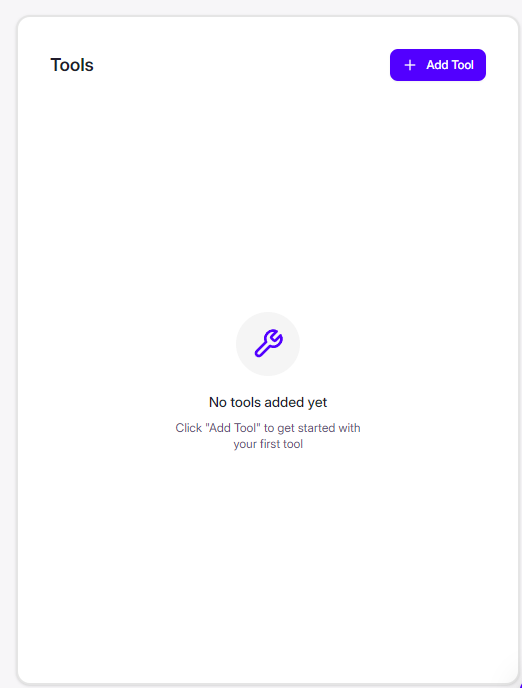
Add Tools
Define tools for each capability AI should access. Tools can represent data queries, actions, or calculations.
Generate & Deploy
Export your application code and run it. MCP endpoints are automatically included.
Connect to Claude
Connect your AI client using the OAuth URL (web clients like Claude.ai) or the generated mcp-remote config (Claude Desktop, Cursor, VS Code). See Connect to Claude for both methods. Start asking questions.
Next Steps
- Enabling MCP - Detailed toggle and setup guide
- Configuring Agent - Agent name and instructions best practices
- Adding Tools - Define tools with Area, Collection, and Action Type